Save any webpage as PDF in one click
Turn the current tab into a clean, searchable PDF that is easy to keep, search, and send. Perfect for articles, receipts, guides, study materials, and AI chats.
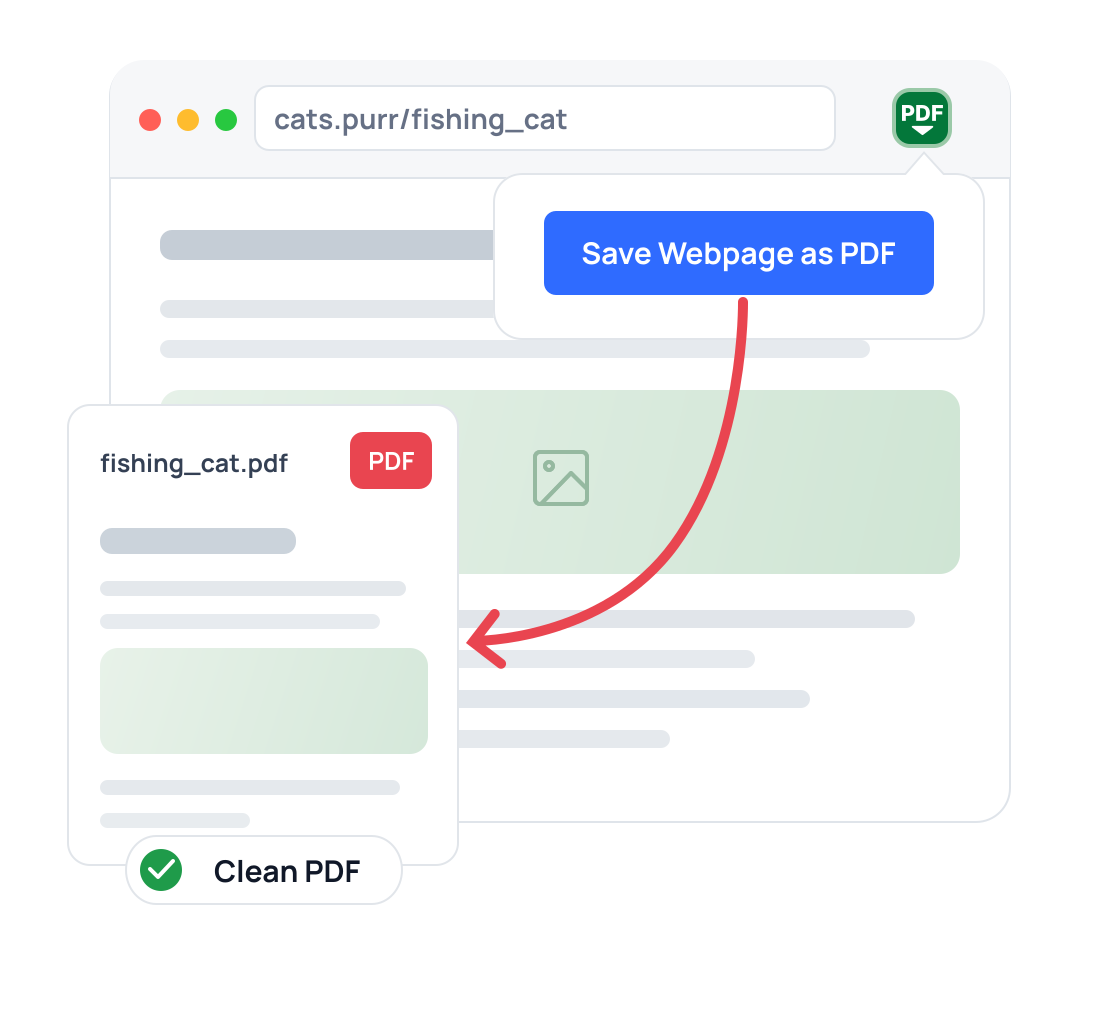
Save a webpage as PDF
in 3 simple steps
No sign-up, no settings to learn. Convert the current page in seconds.
Open any page
Go to the article, receipt, guide, AI chat, or web page you want to save.
Click the extension icon
Open Save Webpage as PDF from your Chrome toolbar.
Select a mode and download
Select Single Page or Print Format, then save the file to your device.
A simple web page to PDF converter
Clean interface, flexible export modes, and no extra setup.
Single Page
Export one continuous file with no page breaks — ideal for long articles and on-screen reading.
Print Format
Multiple pages with custom orientation and margins — ideal for print-friendly layouts.
Searchable PDF
Keep page text searchable, selectable, and easy to copy later.
Download History
Come back to your files anytime to view, print, or reopen the original source page.
20+ Languages
Use the extension in English, Spanish, French, German, Portuguese, and many more languages.
Local & Private
Files use local storage only. Nothing is sent to external servers — your data stays on your device.
Export chats from Gemini, Claude, DeepSeek, and ChatGPT to PDF
Archive prompts, answers, and research threads as clean files with selectable and searchable text.
Useful for work, study, and everyday life
One simple way to keep web content — for work, study, and everyday life.
Keep reading lists, lecture notes, articles, and reference pages for offline study.
Store articles and data pages before the content changes or disappears.
Archive internal guides, specs, and support docs for easy, offline access.
Keep copies of terms, privacy policies, and agreements exactly as published today.
Save receipts, confirmations, and records in one tidy, printable format.
Download webpage as PDF when a useful page needs to be easier to sort, attach, and reopen later.
What our users say about us
“Third time's the charm! The first two extensions I tried to export long webpages to a single-page PDF didn't work. This one is simple, easy to use, and IT WORKS.”
“This extension is exactly what I needed! Saves any web page as a PDF in seconds both as a full page and for printing. Total lifesaver for work and personal tasks.”
“It works just fine. This is exactly what I've been looking for! Special thanks to the developer.”
Frequently asked questions
How can I save a webpage as a PDF in Chrome?
Can I export a ChatGPT conversation to PDF?
Does it make a PDF searchable?
Does it work for long articles and study materials?
What's the difference between Single Page and Print Format?
Where are my files stored?
Start saving webpages today
Private and available in 20+ languages.
Capture useful pages and AI chats in one click.